Table of Contents
HOW TO PLAY MULTIPLAYER
To play online:
- Make sure your PC is connected to the internet.
- Sign in to your Microsoft/Xbox account.
- Launch Forza Horizon 3.
- Enter the online/multiplayer section.
- Invite or join your friends where supported.
- Select an available event or activity.
- Start racing together.
Forza Horizon 3 supports online multiplayer and cross-play between supported Windows 10 PC
HOW TO RUN FORZA HORIZON 3 ON PC
- Start Windows normally.
- Sign in to the Microsoft/Xbox account associated with your game.
- Open your installed games/library.
- Select FH3.
- Click Play.
- Allow the game to complete its initial loading process.
- Configure your graphics, resolution, controller and gameplay settings.
- Start the Horizon Festival and begin playing.
Forza Horizon 3 supports both controller and keyboard-based PC play, while compatible steering-wheel hardware can also be used.
TIPS FOR BETTER GAMEPLAY
For smoother gameplay:
- Keep your graphics drivers updated.
- Use a controller if you prefer more precise steering.
- Adjust graphics settings according to your hardware.
- Reduce demanding visual settings if FPS drops occur.
- Keep sufficient free storage available.
- Use a wired or stable internet connection for multiplayer when possible.
COMMON PROBLEMS & FIXES
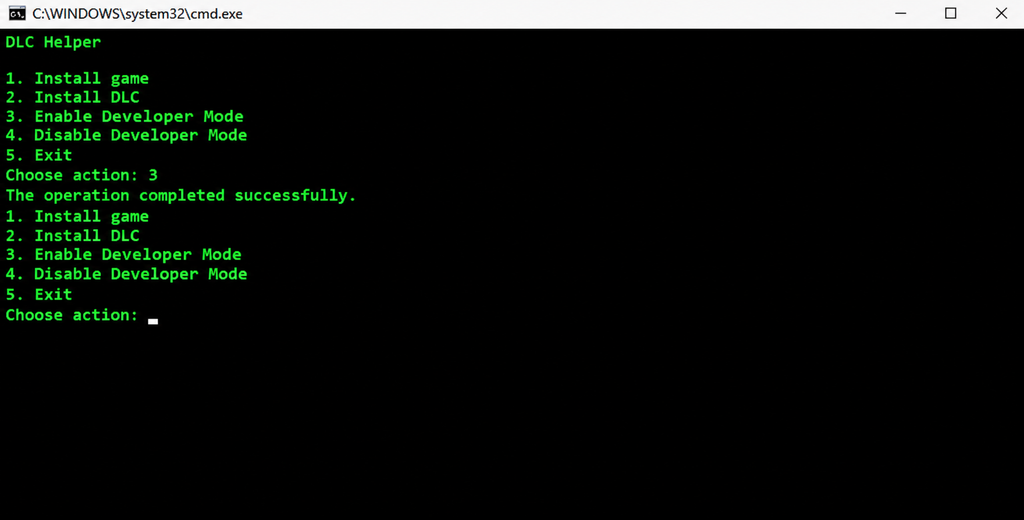
Game Does Not Launch
Make sure Windows is updated and your graphics driver is current.
Also check that your PC meets the minimum requirements and that the Microsoft/Xbox account being used owns the game.
Game Crashes During Startup
Try restarting the PC and installing all available Windows, graphics-driver and game updates.
Closing unnecessary background applications may also help free system resources.
FORZA HORIZON 3 INSTALL FOR PC 2026 ON YOUTUBE